DavitAI · Thumbnail Studio
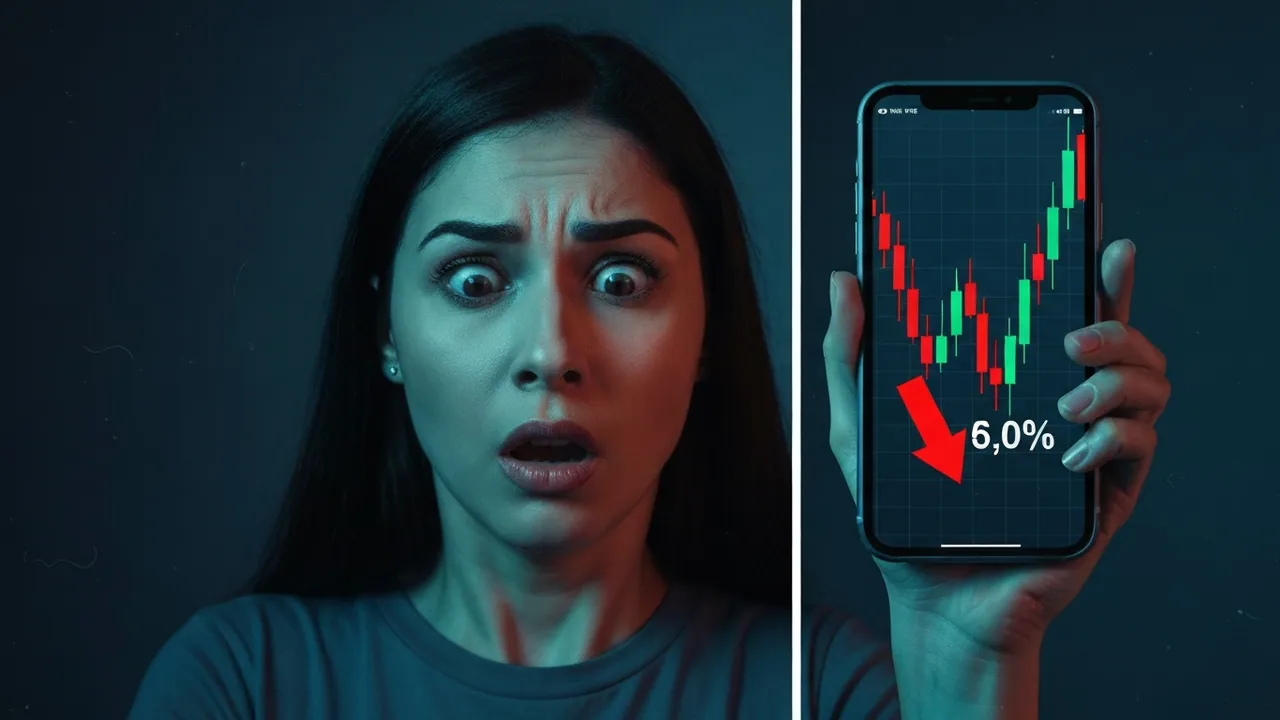
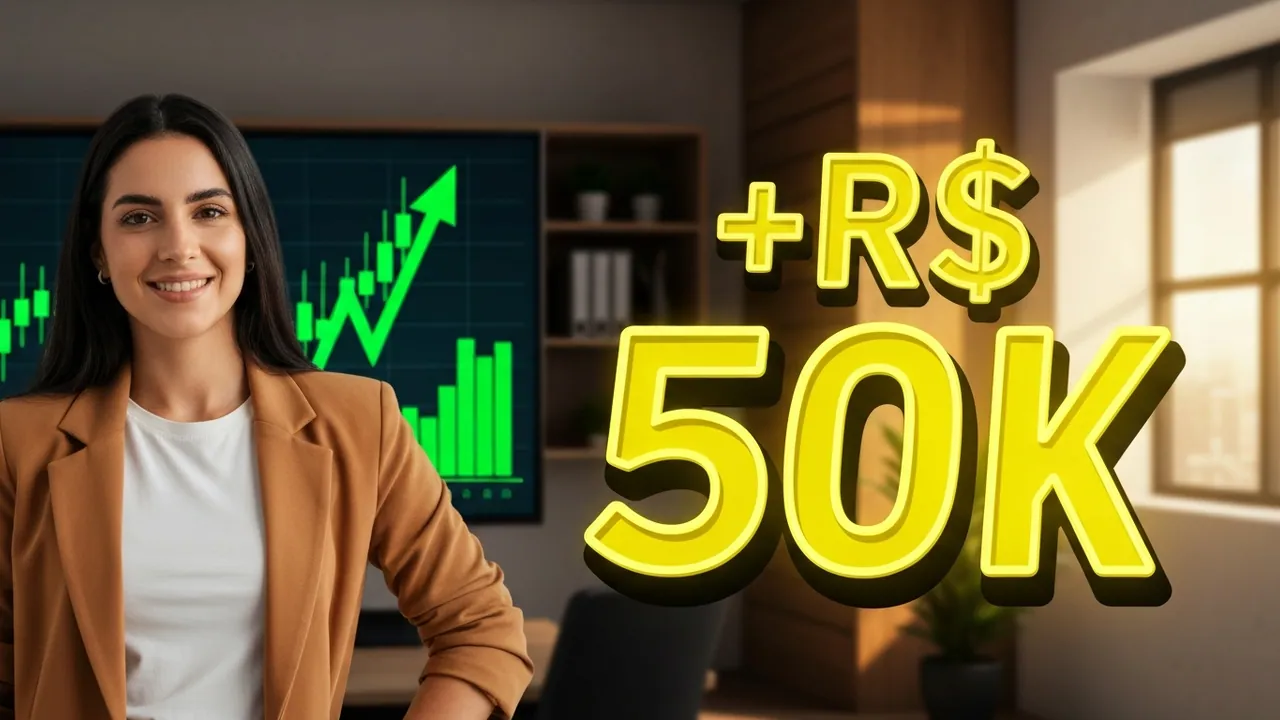
The thumbnail that wins the click, AI-generated in seconds
Stop wrestling with Photoshop. Describe the scene, pick the format, and get high-converting thumbnails ready for YouTube — with the text rendered right on the image.
Generate my thumbnail free50 free credits · no card
How it works
Describe the scene
Write what you want — or paste the thumbnail prompt Narratron already generates for your script.
Pick format and text
YouTube (16:9), square (1:1) or Shorts (9:16). Set the exact text rendered on the image, zero typos.
Generate and download
The AI delivers high-converting variations. Pick the best and download — ready for YouTube Studio.
Why it converts more
CTR-optimized prompt engine
Every generation enriches your request with cinematography language — camera, lens, Rembrandt lighting, high-arousal palette — the stuff big channels use.
4 models, you pick the quality
From Imagen 4 Fast (quick and cheap) to Imagen 4 Ultra (max quality). Transparent credit pricing, no surprises.
Exact text, no hallucination
You define the text and it renders exactly as written — no invented watermarks or stray letters in the background.
Part of the DavitAI pipeline
Script in Narratron, narration in Dublatron, cover in Thumbnail Studio — all on one platform, no jumping to outside tools.
Frequently asked questions
How much does a thumbnail cost? +
It depends on the model and number of variations. Imagen 4 Fast starts at 2 credits per variation; top-quality models cost more. The price shows before you generate, always.
What if a generation fails? +
You never pay for errors. If a generation fails, credits are refunded automatically. You only pay for the image you get.
Which formats are supported? +
Three: 16:9 (YouTube thumbnail), 1:1 (Instagram feed) and 9:16 (Shorts, Reels and TikTok).
Do I need to know how to prompt? +
No. You describe the scene in plain language and Thumbnail Studio handles the technical part. And if you use Narratron, it already hands you a ready-to-paste prompt.