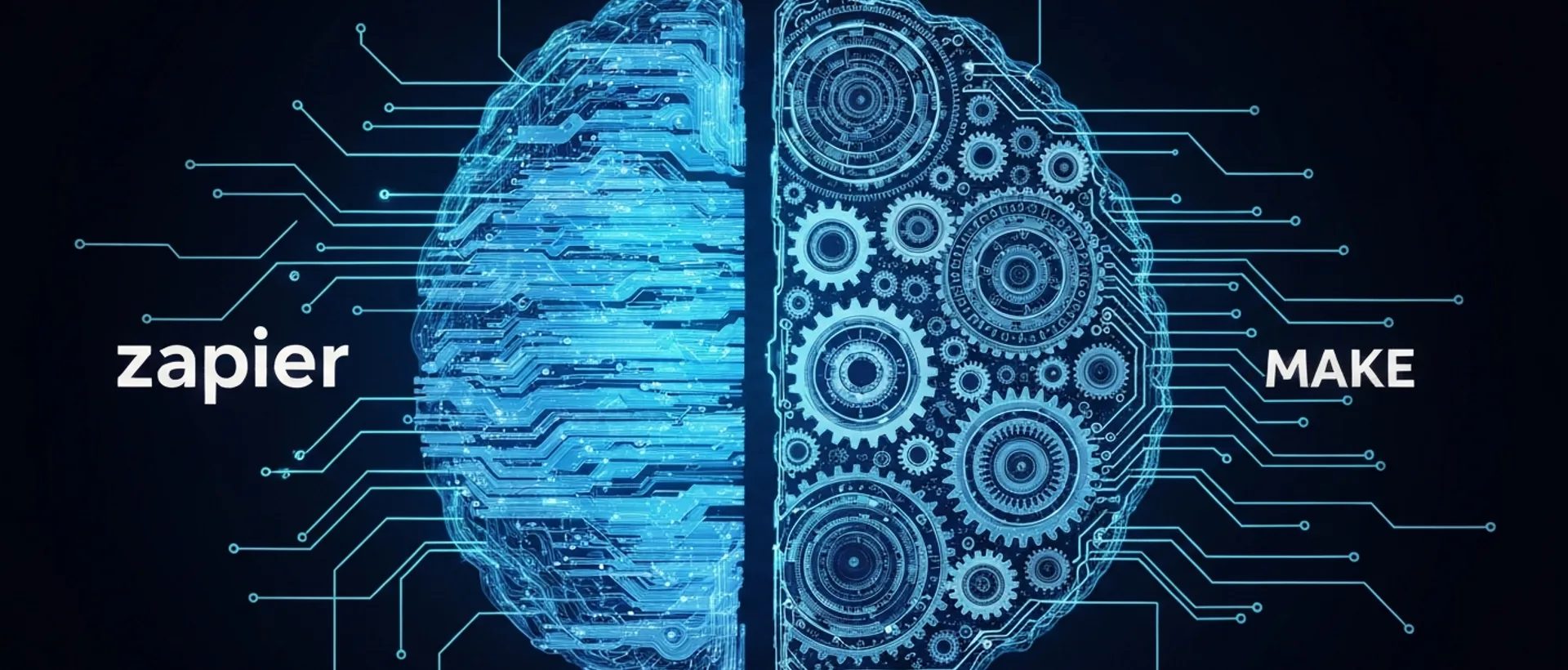
Zapier vs Make AI 2026: Which Automation Tool to Choose?
In 2026, the decision between Zapier and Make for AI-powered workflow automation isn’t about which is “better” overall, but rather which fits your needs like a glove. The truth is, both platforms have evolved a ton, incorporating artificial intelligence in a game-changing way. Zapier, for example, remains the darling of those looking for practicality and a giant library of ready-made integrations. It’s like that friend who solves everything for you without much explanation, ideal for more straightforward automations and for those who don’t want to mess with code.
Make, formerly known as Integromat, is the king of customization. It gives you much more precise visual control over each step of your flow, allowing for more complex logic and data manipulation that would make any developer grin from ear to ear. If you need something that perfectly adapts to your processes, even if they involve a bit of that “Brazilian way of doing things,” Make is your go-to. The big takeaway, both for zapier vs make ai 2026 and for any other tech choice, is to consider your budget, how much you need to scale, the complexity of your workflows, and, of course, your team’s technical expertise. There’s no point wanting to fly a Boeing if you just need to go to the bakery, right?
I confess that, for me, the biggest difference still lies in the learning curve. While with Zapier you “zip through” things quickly, with Make you need to sit down, think, and carefully design the flow, as if you’re putting together a giant puzzle. And there’s absolutely no problem with that; it just shows that each has its audience. Choosing the best AI automation tool requires this self-awareness of your own operation.
Detailed Platform Analysis: Zapier and Make in 2026
Zapier remains steadfast as a giant in the market, and in 2026, it’s not messing around. With over 6,000 integrations, it’s a true hub for connecting apps, making life much smoother for small businesses and even larger corporations. The interface is so intuitive that even my grandma could set up a simple “Zap” to notify her when it rains. AI integration here allows for creating much smarter Zaps, like processing text and making decisions based on what it “reads,” which is a huge help for automating tedious and repetitive tasks.
Make, on the other hand, is the visionary’s playground. Its visual drag-and-drop interface invites you to build complex scenarios, with multiple paths and conditions, as if you were a maestro conducting a data orchestra. It’s a very strong alternative for developers and technical teams who aren’t intimidated by a bit more detail. Make’s AI capabilities in 2026 focus on real-time data analysis and workflow optimization, enabling automations that adapt on their own. It’s almost like having an employee who learns and improves on their own, without asking for a raise.
Both platforms offer APIs and webhooks, meaning that if you don’t find a ready-made integration, you can create your own. It’s like having a car that comes with everything, but you can customize it with some very specific accessories if you want. The difference is that with Zapier, customization is more “plug and play,” and with Make, you have the complete toolkit to build whatever you want from scratch. For me, Make’s flexibility is a huge strength, even if it requires a bit more work initially.
AI Features and Use Cases: How Zapier and Make Stand Out
When it comes to AI, Zapier and Make have their moments to shine, but on different stages. Zapier with AI is perfect for automating marketing, like categorizing leads using natural language processing (NLP), or in customer service, intelligently routing tickets. Just imagine: an email arrives, Zapier’s AI reads it, understands the subject, and sends it to the right department, without you lifting a finger. For content management, it can even automatically summarize articles, which is super cool for speeding things up.
Make’s AI, on the other hand, excels in scenarios that demand more complex data manipulation and heavy conditional logic. Financial automation, for instance, such as invoice reconciliation, or system orchestration, synchronizing CRMs and ERPs, are right up its alley. In HR processes, like resume screening, Make can analyze and extract super specific information, saving an absurd amount of time. For those wondering how to use make ai, the platform offers AI modules that analyze texts, images, and extract entities, creating flows that react to unstructured content. It’s almost magic.
✓ Prós
- Smart marketing automation
- Automated customer service
- Automatic content summarization
✗ Contras
- Less control in complex logic
- Cost can scale quickly with volume
The best AI automation tool will heavily depend on your focus. If the priority is to get things running quickly and have many integrations, Zapier is ahead. But if you need meticulous control and want to build logic that looks like a chessboard, Make is unbeatable. I always say: look at your specific zapier make ai use cases. A sales automation, project management, or data analysis task might align better with one or the other. There’s no point trying to fit a square peg into a round hole, right?
Zapier Make Comparison 2026: Pricing, Integrations, and Performance
The zapier make comparison 2026 shows us that the pricing structure is one of the most divergent points. Zapier generally charges for “tasks” (executed actions). That is, each time your Zap does something, it counts as a task. Make, on the other hand, uses “operations” and “data transfer.” This can make a huge difference in zapier make pricing 2026, depending on the volume and type of usage you have. Sometimes, you perform few operations in Make, but they move a truckload of data, and the cost goes up. You need to do the math carefully.
Regarding zapier make integrations, Zapier is still the champion in terms of the raw number of connected applications. Therefore, it’s a popular choice for zapier for small businesses, who need to connect a bunch of different tools without a headache. Make, even with fewer direct integrations, compensates with more flexible modules and the ability to connect to virtually any API. This makes it a paradise for make for developers who enjoy building custom solutions. It’s like comparing a department store to a haute couture atelier.
comparison_table:
| Feature | Zapier (2026) | Make (2026) |
|---|---|---|
| Pricing Model | By tasks | By operations and data transfer |
| Number of Integrations | Over 6,000 | Hundreds, but highly flexible |
| Ease of Use | High (no-code) | Medium/High (visual, but complex) |
| Flow Control | Basic to Moderate | Granular and advanced |
| AI Focus | Language processing, decision-making | Real-time analysis, dynamic routing |
Both platforms’ performance and scalability have greatly improved for 2026. Infrastructures are stronger to handle massive volumes of AI workflow automation. The choice of zapier or make which to choose shouldn’t be based solely on initial price, but on the total cost over time. Think about the time you or your team will spend developing and maintaining these flows. Sometimes, cheap ends up being expensive, or expensive pays for itself with efficiency.
Advantages and Disadvantages: Which to Choose for Your Business in 2026?
The zapier make advantages disadvantages are at the heart of the decision. Zapier has a smooth learning curve, which is a relief for those without coding knowledge who need quick automations. It’s like a digital Swiss Army knife: it solves a bunch of small problems without racking your brain. The disadvantages, however, can appear when you need very complex logic or when the cost scales too quickly with an increase in tasks. I’ve seen people get scared by their Zapier bill at the end of the month.
Make, in turn, shines in building super customized automations. That visual model greatly appeals to developers and data analysts, who can design intricate flows with surgical precision. It’s the tool for those who like to have total control, down to every screw. The disadvantage of Make is that it requires a bit more dedication to learn. It’s not rocket science, but you need to have a deeper understanding of logic and data manipulation to get the most out of it. If you don’t like to think too much, maybe it’s not for you.
✓ Prós
- Granular control
- Complex logic
- Advanced data manipulation
✗ Contras
- Steep learning curve
- Requires more technical knowledge
- Fewer ready-made integrations
For those looking for zapier make alternatives, yes, there are other tools on the market. But none of them, in 2026, offer the same combination of advanced AI and an ecosystem as robust as these two. The truth is, they complement each other, but to choose one, you need to be honest about what your business truly needs. You can’t want the practicality of one and the complexity of the other at the same time without giving something up.
When you realize the complexity of the workflows Make can build.
The Future of AI Automation: Trends and Recommendations for 2026
In 2026, AI workflow automation is no longer a novelty, but a necessity. Both platforms are investing heavily in generative AI, which promises to create even smarter and more autonomous automations. It’s like having an assistant who not only follows instructions but also suggests improvements and even creates new solutions. My recommendation is always to start by evaluating your automation needs: how complex are your processes? What is the data volume? Does your team have technical expertise?
For startups and small businesses with limited resources, Zapier is, without a doubt, the easiest entry point. It allows you to start automating quickly and see results in a short amount of time, without needing an army of programmers. It’s a huge shortcut to efficiency. Large companies and teams that require very specific integrations and large-scale data manipulation may find Make to be the more powerful and, in the long run, more economical tool.
Me trying to automate everything at once, like the frantic cat.
The clear trend is that Zapier and Make will continue to differentiate themselves. Zapier will likely focus even more on democratizing AI, making it accessible to everyone, like a “do-it-yourself” intelligent automation. Make, on the other hand, will continue to empower specialists to build cutting-edge automations, allowing them to transform complex ideas into reality. Ultimately, the best zapier vs make ai 2026 is the one that helps you work less and achieve more, with a calmer mind.
FAQ
What is the main difference between Zapier and Make in 2026?
The main difference in 2026 lies in the approach: Zapier focuses on ease of use and vast integration for more direct automations, while Make offers granular visual control and complex logic for developers and more elaborate flows. Both incorporate advanced AI, but with distinct emphases.
Which tool is better for small businesses, Zapier or Make?
For small businesses, Zapier is often the better choice due to its intuitive interface and vast range of ready-made integrations, allowing non-technical users to set up automations quickly. Make may require more technical knowledge but offers greater flexibility for specific needs.
How is artificial intelligence integrated into Zapier and Make in 2026?
In 2026, AI is integrated into both platforms to enhance automation. In Zapier, AI assists with natural language processing and intelligent decision-making. In Make, AI enables real-time data analysis, dynamic routing, and optimization of complex flows, making automations more adaptive.
What are the costs of Zapier and Make in 2026?
The costs of Zapier and Make in 2026 vary according to usage. Zapier generally prices by tasks executed, while Make charges for operations and data transfer. It is crucial to analyze the volume and complexity of your workflows to determine which pricing structure is more advantageous for your budget.
Is it possible to migrate automations from Zapier to Make or vice-versa?
While there isn’t a direct and automatic migration tool, it is possible to recreate automations from one platform to the other. This usually involves a manual process of mapping workflows and reconfiguring integrations, which can be time-consuming depending on the complexity of existing automations.
Ready to scale this idea?
Narratron turns topics like this into retention-optimized YouTube scripts in under 2 minutes — magnetic hook, structure, complete SEO, timestamped description and thumbnail prompt ready to ship. 50 free credits, no card required.
