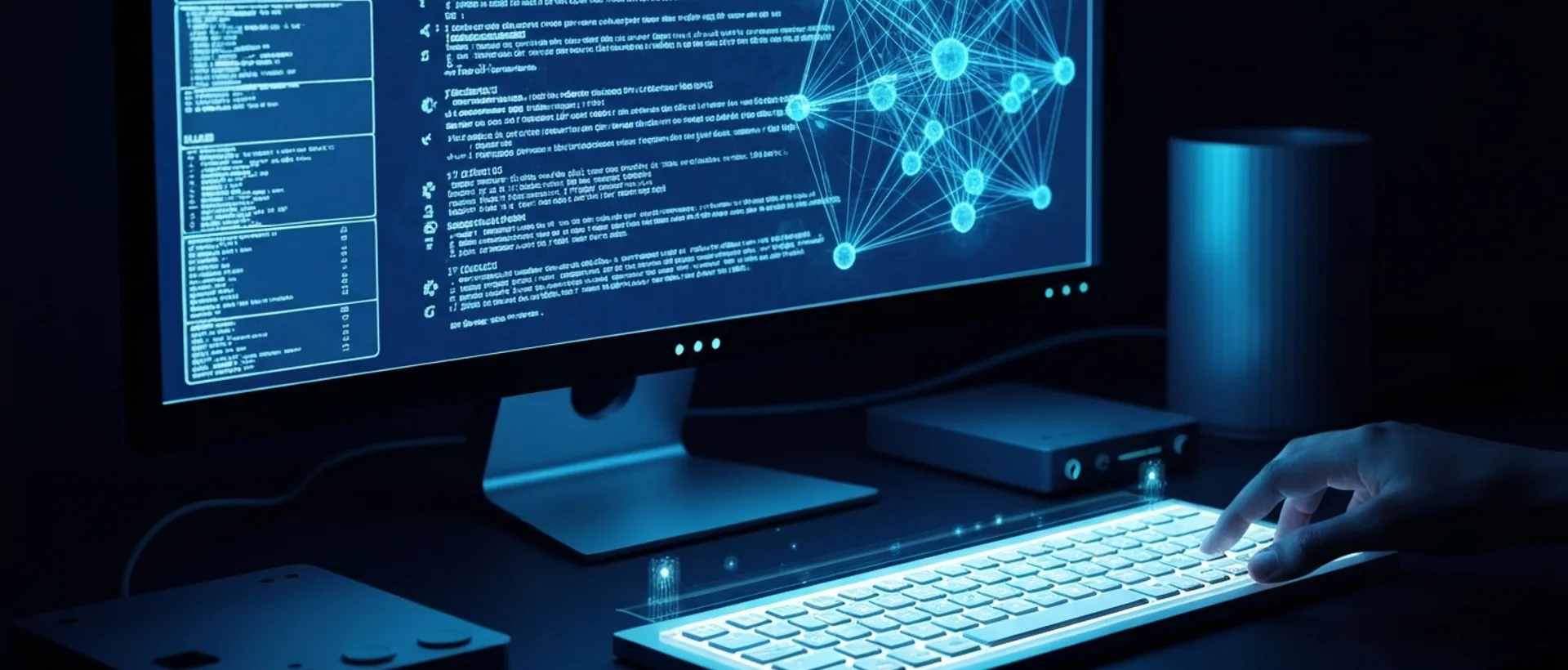
Running Local AI LLMs in 2026: Why and How to Get Started
Hey tech folks! If you, like me, have ever found yourself thinking about how to gain more control over artificial intelligence, without depending on giant cloud providers, then this chat is for you. In 2026, running Large Language Models (LLMs) locally is no longer science fiction, but a tangible reality. We’re talking about running AI directly on your computer, on your machine, without sending your confidential data to who-knows-where. That’s super cool, right?
Running LLMs locally means the artificial intelligence model lives and breathes on your PC. It doesn’t need a constant internet connection to work, which is a huge plus. Just think: total privacy, zero API cost (goodbye, bill surprises!), and the freedom to use your AI wherever and whenever you want, even in that remote place without signal openclaw.ia.br. I confess that, at first, I thought this was only for beefy servers, but hardware evolution and model optimization have changed everything.
This approach has become a very viable alternative to cloud-based services, especially with advancements in hardware and the growing demand for privacy and data control altadensidad.com. Things are so serious that local AI, or “edge AI,” is gaining ground in 2026, with various devices, like phones, cars, and industrial sensors, incorporating integrated AI capabilities cside.com. This reduces latency and improves privacy, which is a game-changer.
This complete guide will show you the roadmap for installing AI on your PC, from choosing the model to configuring it for the best possible performance. Get ready to dive deep into the world of local LLM inference in 2026 and discover that the cost of running an LLM at home is, most of the time, an initial investment that pays for itself quickly. And if you want to delve even deeper into this universe, check out our article on Local AI on PC 2026: Unveiling the Decentralized Future.
[!CALLOUT tipo=“dica”] Don’t underestimate the power of local AI! It can be up to 18 times more economical than commercial APIs in intensive use scenarios, transforming a recurring expense into an amortizable asset fpinnova.com. Think about that before subscribing to another cloud service!
Best Open Source LLMs 2026 for Local Execution
In 2026, we have a rich selection of open source LLMs that do a great job with local execution. Names like Llama 3 (and its latest versions), Mistral, and Phi-3 are always on everyone’s lips, being improved by the community at a rapid pace. Choosing the best LLM for you depends on what you want to do, the hardware you have, and the balance you seek between model size, response speed, and the quality of its output.
Quantized models, like GGUF formats, are the cherry on top for those who want to optimize LLMs for more modest hardware. They allow you to run LLMs locally even on a weaker laptop, without straining it. The idea of quantization is to compress the model, reducing calculation precision (from 16 bits to 4 bits, for example), but maintaining surprisingly good performance. It’s like squeezing a giant into a small space, but it remains strong.
# Example of how a quantized model can be loaded
# (This is pseudocode; actual syntax varies by tool)

import ollama

# Downloading a quantized model (e.g., Llama3 8B in 4-bit)
# Ollama simplifies this for you!
ollama.pull("llama3:8b-instruct-q4_0")

# Loading the model for inference
model = ollama.load_model("llama3:8b-instruct-q4_0")

# Making a simple request
response = model.generate("What is the capital of Brazil?")
print(response)
The open source community never stops innovating, you see? They are always releasing new architectures and tools that make life easier for those who want to use AI without internet. To give you an idea, a larger model quantized to 4 bits generally outperforms a smaller model running at full precision fpinnova.com. This means you don’t need the world’s most expensive hardware to have intelligent AI on your machine.
I, personally, am a fan of models that manage to balance quality and VRAM consumption well. For those who want to run an LLM on a laptop, this is gold. Imagine you want an assistant to help you with texts, summaries, or even content creation, but without turning your laptop into a jet engine. The search is always for the one that offers the best value for money in terms of performance and resources.
Step-by-Step Guide: How to Install and Run AI on Your PC
Ready to get our hands dirty? Running LLMs locally might seem like something out of this world, but with the right tools, it’s easier than making instant noodles.
- Checking Hardware Requirements: First of all, your PC needs to be up to par. Your graphics card’s VRAM is the most critical factor for running local AI https://www.terabyteshop.com.br/blog/melhor-hardware-para-rodar-ia-local-em-2026. For a 7B parameter model, 12GB of VRAM is the minimum, but if you dream of larger models, like 70B ones, 32GB or more of VRAM will make you very happy https://www.terabyteshop.com.br/blog/melhor-hardware-para-rodar-ia-local-em-2026. The NVIDIA RTX 5090, with its 32GB of VRAM, is like the Ferrari of local AI in 2026, but the RTX 4090 (24GB) and RTX 5080 (16GB) also perform very well https://www.terabyteshop.com.br/blog/melhor-hardware-para-rodar-ia-local-em-2026. If you don’t have one of these GPUs, don’t despair! Many models can run on the CPU, just much slower, or with less VRAM if they are quantized.
- Choosing the Execution Platform: To run an LLM locally, you need an “orchestrator.” Ollama and LM Studio are excellent choices for their simplicity and compatibility. Ollama, for example, is a super popular runtime that allows you to execute open-source LLMs locally, ensuring privacy and zero API cost, not to mention it works offline https://openclaw.ia.br/modelos/ollama/. LM Studio is another favorite, with a graphical interface that makes life much easier for beginners https://www.datacamp.com/pt/tutorial/lm-studio. Both simplify the download and execution of GGUF models.
- Downloading and Configuring an LLM: With the chosen platform, the magic begins. Use the interface to search for and download the model you like best. To start, a llama3:8b (or a quantized version of it, like llama3:8b-instruct-q4_0) is a great option. Follow the tool’s instructions for the first run and inference test. Just type a question and watch the answer appear on your screen!
- First Commands and Tests: After downloading, most tools give you a command line or a chat to interact with. Try asking the model some basic questions. “What is the capital of Brazil?”, “Tell me a joke,” “Write a poem about coffee.” See how it responds and feel the power of AI on your machine.
- Adjusting Parameters: Platforms generally allow you to adjust parameters like temperature (which controls the creativity/randomness of the response) and context size. Play with them to see how the model behaves. A lower temperature makes responses more predictable, while a higher one makes the AI more “out there.”
!IMAGE Alt text: A robust gaming PC setup with a good GPU can be your best friend in the local AI journey.
If you want to go further and test other models, or even understand how GLM-5.2 works locally, we have a specific guide for you: Run GLM-5.2 Locally 2026: Important Offline AI Guide.
Advantages and Challenges of Local AI: Privacy and Performance in 2026
The advantages of local AI are as clear as crystal, especially when it comes to privacy. When your data and interactions stay on your device, without being sent to third-party servers, we breathe a sigh of relief. This is fundamental for sectors that deal with sensitive information, such as legal or healthcare. Imagine lawyers processing confidential cases without the risk of data leakage? That’s GDPR smiling upon you x-apps.com.br.
The ability to operate AI without internet is another reason why we want to embrace local AI. Perfect for those who work in remote places, or simply don’t want to be held hostage by an unstable connection. It’s an alternative to offline ChatGPT that really works, without lags, without “the internet went down.” And let’s be honest, who hasn’t gotten frustrated with the internet in Brazil, right?
But, as not everything is perfect, there are some challenges. The main one, and I won’t lie, is the hardware requirement. To have respectable local LLM inference in 2026, you’ll need a machine with a decent GPU and plenty of VRAM. This can be a significant initial investment, especially for those who still have an older PC. Samsung, for example, is investing heavily in high-bandwidth memory (HBM), which will impact future devices with local AI androidgeek.pt.
LLM optimization for weaker hardware and the selection of which LLM for laptops are crucial to having an experience that doesn’t give you a headache. If you try to run a giant model on a PC with low VRAM, things will stutter, and frustration is guaranteed. The trick is to find the right balance between the model’s power and your machine’s capacity. The cost of running an LLM at home usually comes down to this hardware investment, as the software is, for the most part, free and open source.
Optimizing Your Local LLM for Best Performance
To ensure your local AI doesn’t let you down and that you have the best local LLM inference possible in 2026, optimization is the keyword. It’s not enough to just install it and expect a miracle; you need to fine-tune things.
First, and this is basic, keep your GPU drivers always updated. Seriously, don’t be that person who ignores update notifications. New drivers bring performance improvements that can make a brutal difference. Also, when using the LLM, close everything that isn’t essential. A browser with 30 tabs open, a game running in the background, Discord… all of this eats up resources that your AI could be using.
Experiment with different quantization levels. 4-bit or 2-bit GGUF models offer a very good balance between quality and resource consumption. They are ideal, for example, for which LLM for laptops. You lose a tiny bit of precision, but you gain a lot in speed and the ability to run the model on more modest hardware. It’s like choosing between a very expensive wine and a good, more affordable wine: both make you happy, but one is lighter on the wallet and on the machine’s performance.
Another important point is to adjust the number of model layers that are loaded onto the GPU versus the CPU. If your execution platform allows this (and many do), play with this setting. Trying to load too many layers onto the GPU can max out your VRAM, but loading too few can overload the CPU and make everything slow. The secret is to find the sweet spot for your specific machine.
[!CALLOUT tipo=“atenção”] Even with local AI, pay attention! Telemetry and diagnostic logs can still expose sensitive data, even if the original prompt remains on the device. Always classify and control these data flows carefully cside.com. Privacy is yours, but so is the responsibility to maintain it!
And don’t forget that the open source community is your best friend here. Forums, groups, and documentation are full of tips and tricks to further optimize your local LLM. Sometimes, a small parameter change can double your inference speed. It’s a matter of testing, testing, and testing.
The Future of Local AI: Sovereignty and Innovation in 2026
The local AI revolution in 2026 is not just a passing fad; it’s empowering individuals and businesses to reclaim control of their data and costs, freeing themselves from dependence on cloud giants. This is what I call “AI sovereignty”: the power to decide where and how your artificial intelligence operates.
Local AI architecture can be up to 18 times more economical than commercial APIs in intensive use scenarios, transforming recurring expenses into an amortizable asset fpinnova.com. That’s a significant saving, especially for heavy AI users. Think of developers creating innovative solutions without the panic of seeing their API bill explode at the end of the month. Or small businesses that can access cutting-edge AI tools without breaking the bank.
Beyond economy and privacy, local AI opens up a range of possibilities for innovation. With the model running on your machine, you have complete freedom to experiment, adjust, and even train (if you have the adequate hardware) without worrying about costs or usage restrictions. This drives creativity and allows more people to develop their own AI solutions, customized to their needs.
Of course, cloud AI still has its place, especially for gigantic models that require GPU clusters or for those who don’t want to worry about hardware maintenance. But local AI is here to show that there’s not just one path. It offers a powerful, more secure, and often more economical alternative in the long run.
So, whether you’re a creator, an entrepreneur, or simply someone who is into technology, dive headfirst into local AI. It’s a one-way street for those seeking more autonomy and efficiency. And if you want to explore more tools and tips for creators, check out our guide: AI for Creators 2026: Tools Guide.
Sources
- https://www.terabyteshop.com.br/blog/melhor-hardware-para-rodar-ia-local-em-2026 — Best Hardware to Run Local AI in 2026 ↩
- https://openclaw.ia.br/modelos/ollama/ — Ollama: An Offline ChatGPT Alternative ↩
- https://altadensidad.com/tecnologias-clave-de-2026-la-inteligencia-artificial-la-conectividad-y-el-espacio-redefinen-el-mundo-real/ — Key technologies of 2026: artificial intelligence, connectivity and space redefine the real world ↩
- https://cside.com/pt/blog/on-device-inference-security-stack — On-Device Inference Security Stack ↩
- https://fpinnova.com/ia-en-local-en-la-fp-empleabilidad-privacidad-y-rendimiento/ — Local AI in vocational training: Employability, privacy and performance ↩
- https://www.datacamp.com/pt/tutorial/lm-studio — LM Studio: A Comprehensive Guide to Local LLM Deployment ↩
- https://x-apps.com.br/llm-local-direito-brasileiro-mac-apple-silicon/ — Local LLM in Brazilian Law: Mac Apple Silicon ↩
- https://androidgeek.pt/samsung-reforca-oled-baterias-e-hbm-com-investimento-gigante — Samsung reinforces OLED, batteries and HBM with giant investment ↩
Ready to scale this idea?
Narratron turns topics like this into retention-optimized YouTube scripts in under 2 minutes — magnetic hook, structure, complete SEO, timestamped description and thumbnail prompt ready to ship. 50 free credits, no card required.